Custom WordPress Help Centre and Knowledge Base for a SaaS Software Company
Software companies face a predictable scaling problem: as the user base grows, so does the volume of support requests – and most of them are asking the same questions. A well-built help centre and knowledge base resolves this by empowering users to find answers themselves, dramatically reducing support ticket volume and freeing the support team to handle genuinely complex issues. This software company needed a knowledge base that was comprehensive, searchable, and easy for their team to maintain and expand as the product evolved.
Objective
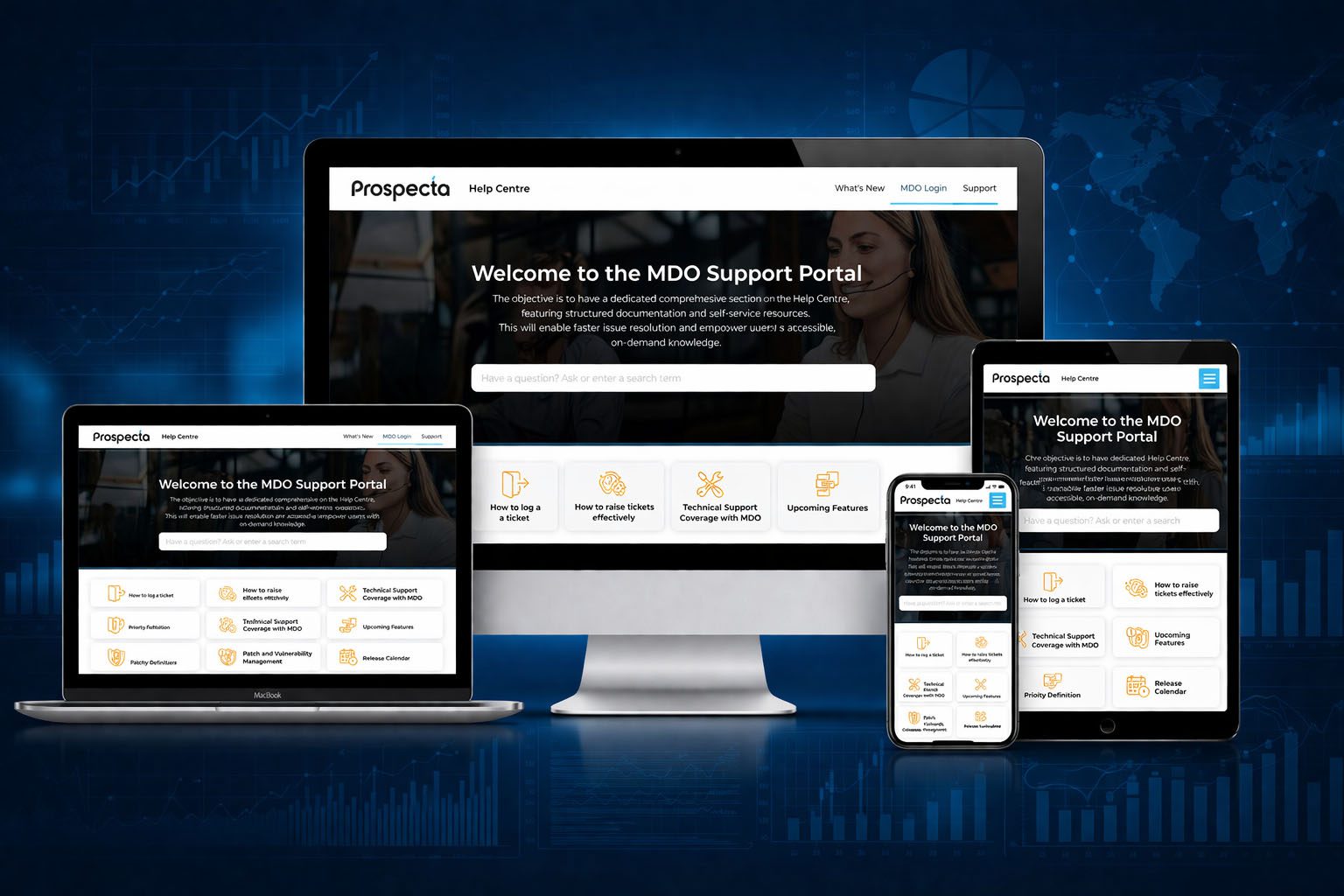
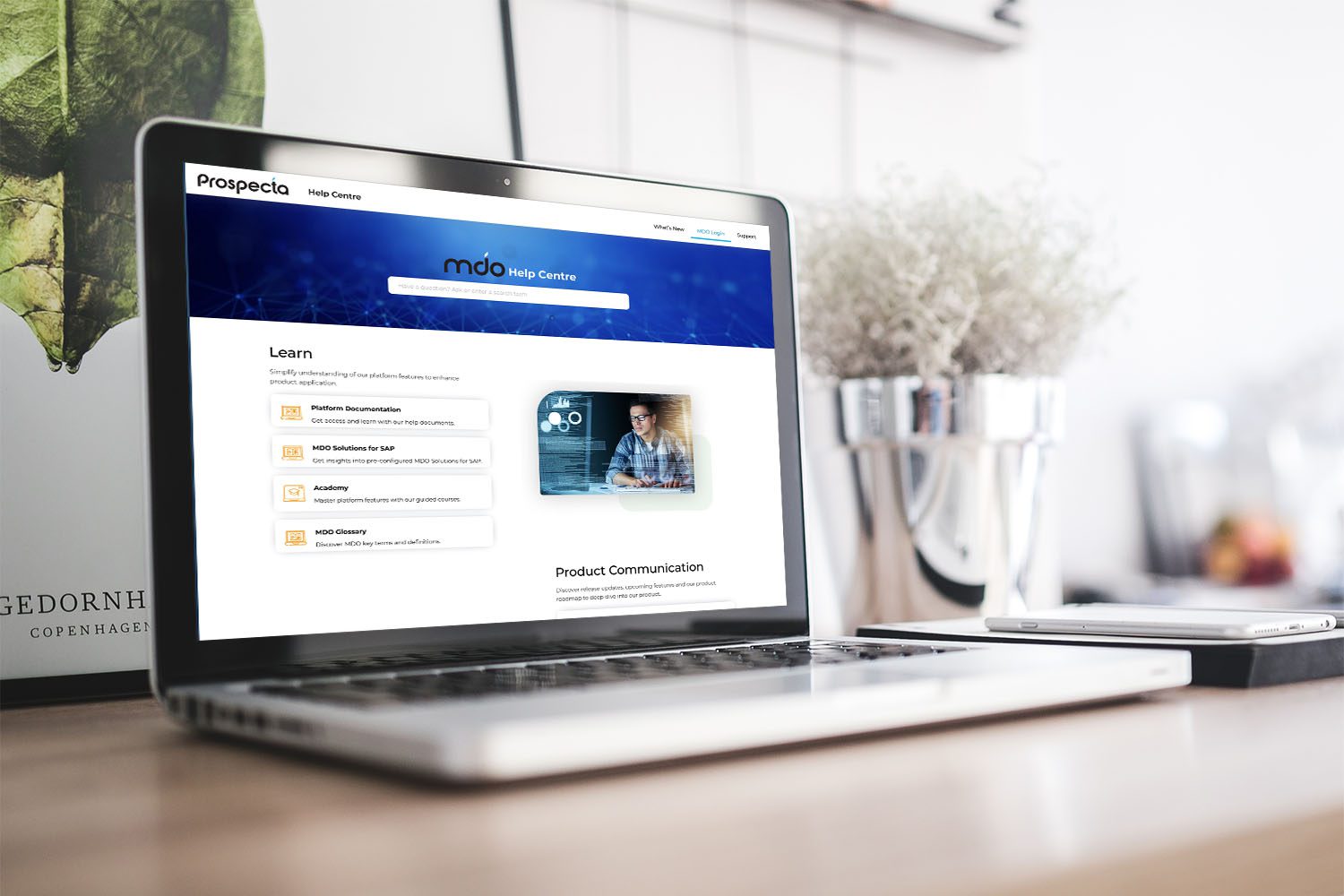
Prospecta identified the need for a dynamic Help Centre to provide clients with easy access to comprehensive documentation and support materials. The goal was to enhance user experience, facilitate quick information retrieval, and empower clients to explore and understand the various products offered.
Challenges
Solution
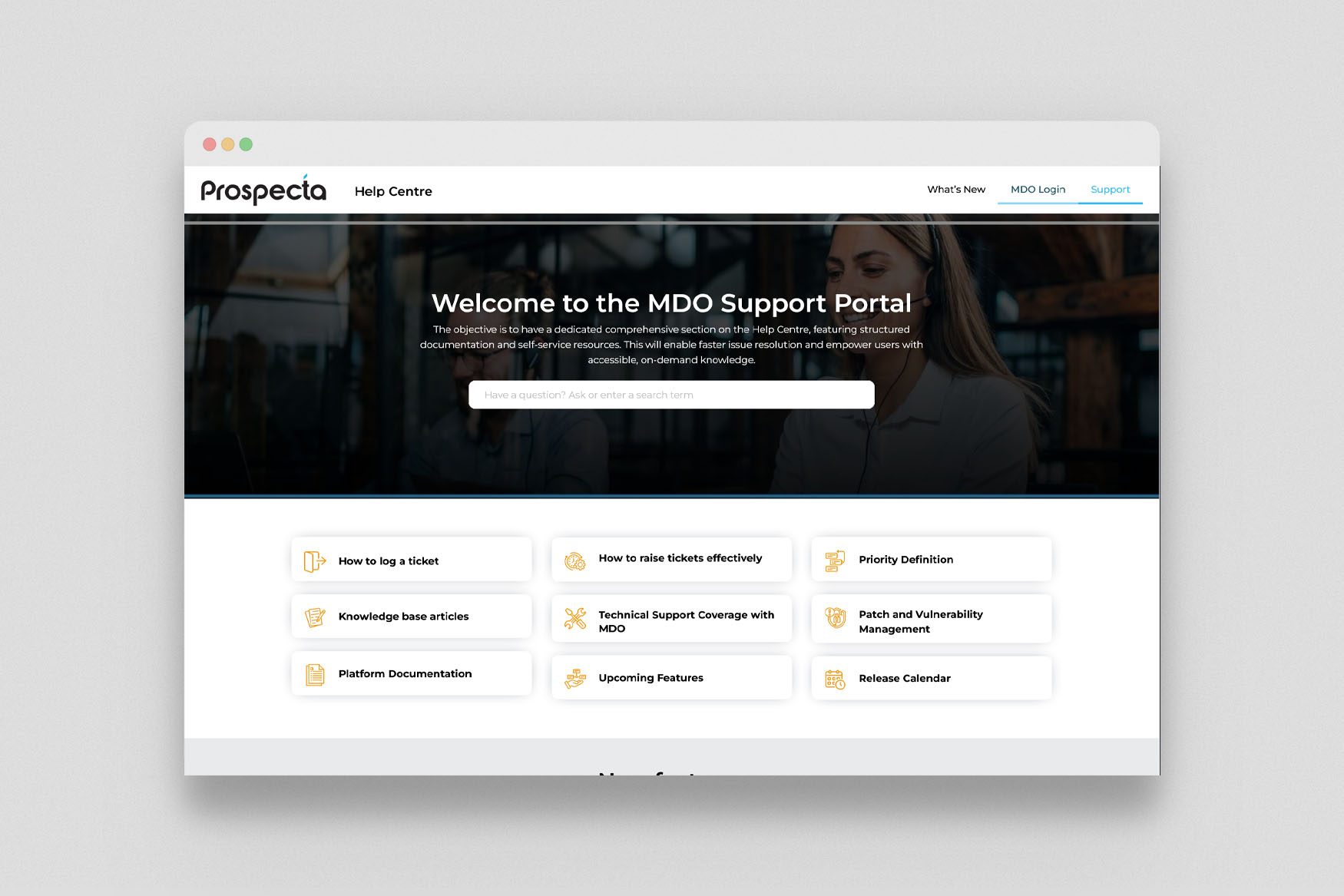
The help centre was built on WordPress with a custom knowledge base architecture – structured article categories, robust internal search, related article suggestions, and a feedback system for users to flag incomplete or unclear content. The design was intentionally functional rather than decorative – fast to load, easy to scan, and clear in its hierarchy so users could quickly navigate from broad topic to specific answer. Integration with the company’s support ticketing system allowed deflection tracking – measuring how many users resolved queries through the knowledge base rather than submitting a ticket.
To address Prospecta’s challenges and meet their objectives, Optume devised a comprehensive strategy that focused on enhancing the user experience, strengthening brand positioning, and optimizing lead generation.
User-Friendly Design and Navigation
- Optume crafted a user-friendly interface with intuitive navigation, making it easy for clients to find the information they need quickly.
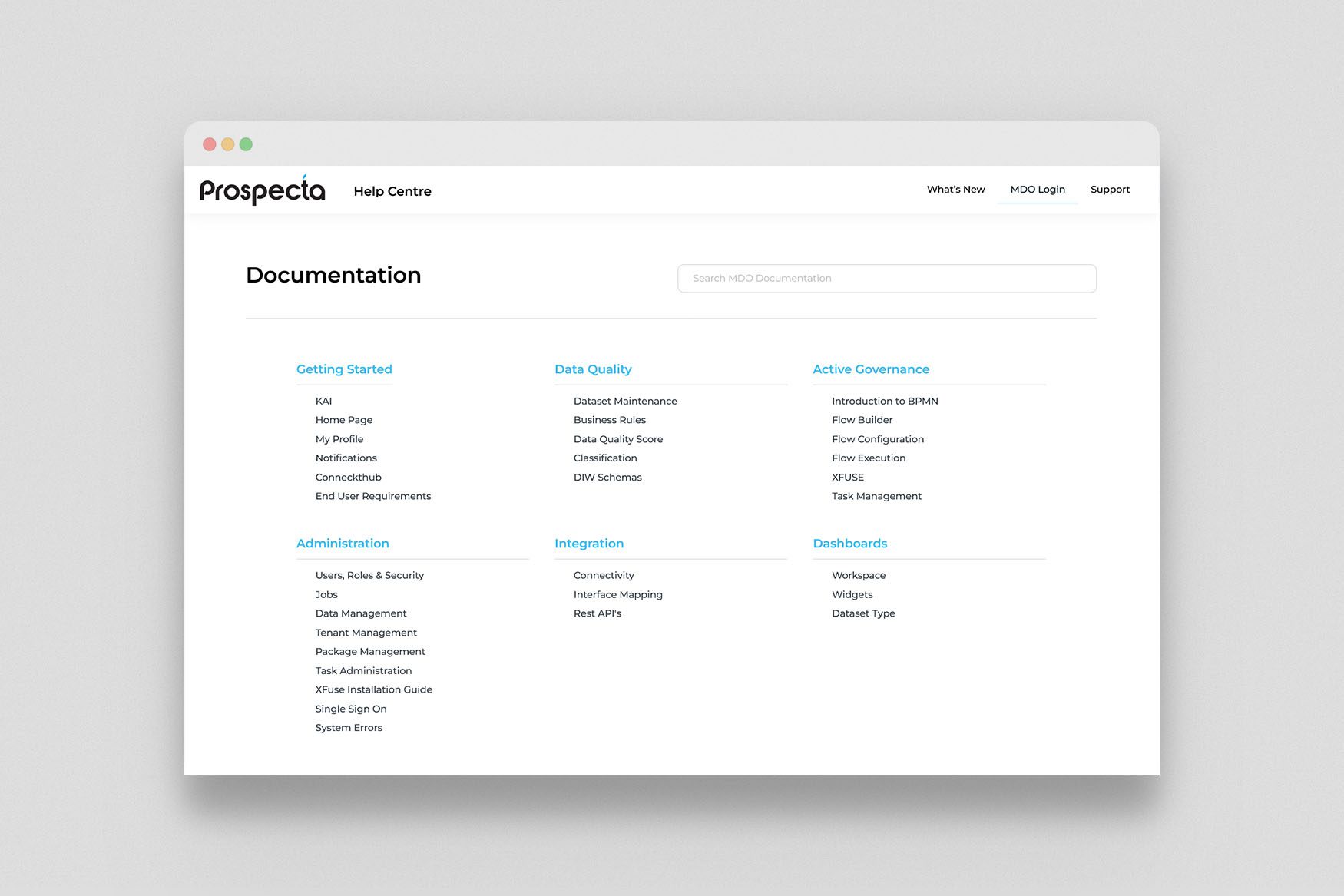
- The Help Centre was designed to be visually appealing and easy to navigate, with categorized content and a robust search functionality.
Comprehensive Documentation and Support Materials
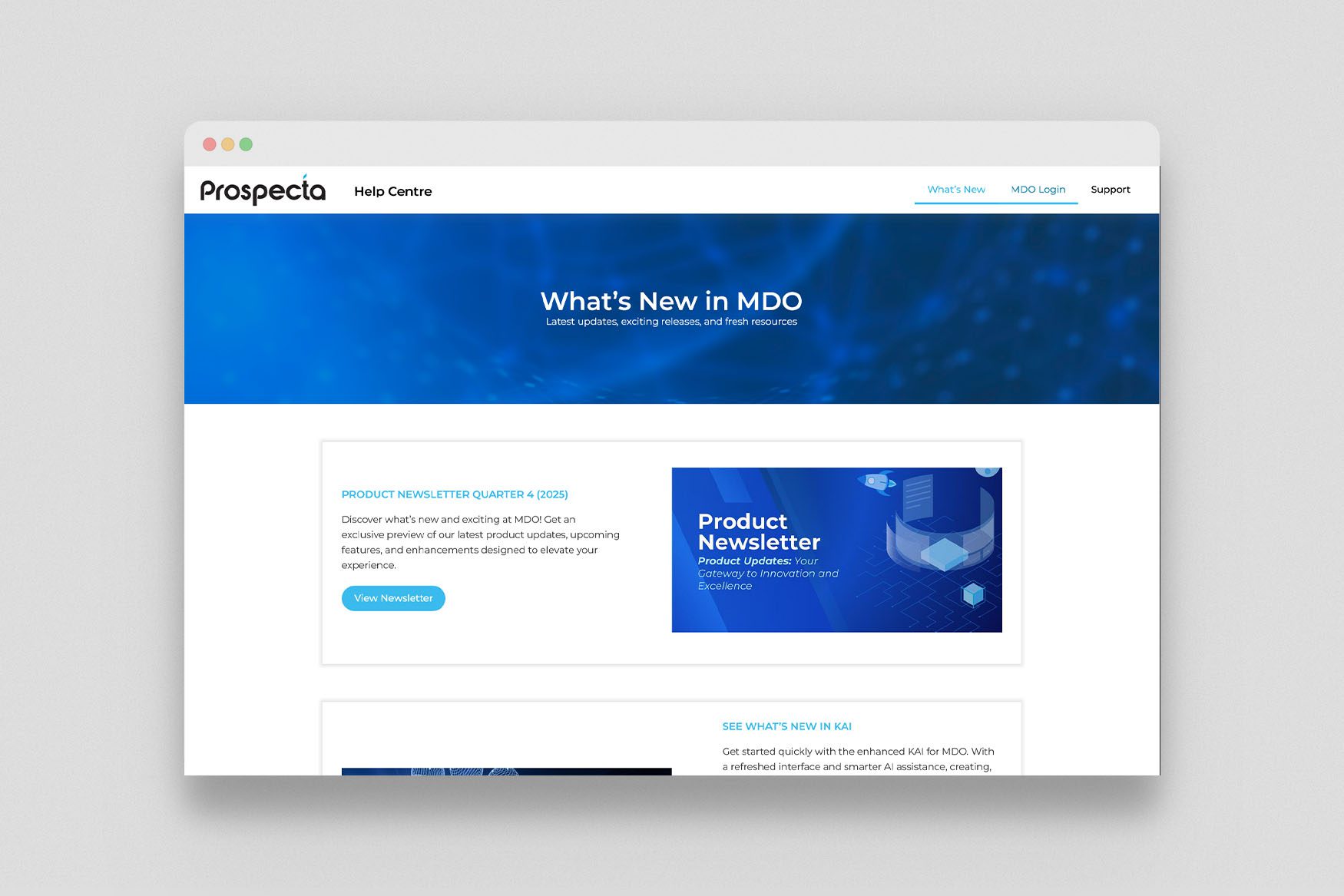
- Dynamic modules were implemented for easy uploading of documentation in various formats, including articles, guides, and videos.
- The Help Centre provided clients with comprehensive support materials, empowering them to explore and understand Prospecta's products and services.
Interactive Elements and Responsive Design
- Interactive elements were incorporated to engage users, including quizzes, tutorials, and community forums.
- The Help Centre was designed with responsive design principles, ensuring accessibility across all devices, including desktops, tablets, and smartphones.
Integration with CRM System
- Integration with Prospecta's CRM system enhanced the overall client experience, allowing for seamless interaction and support ticket management.
Outcome
The implementation of Optume’s comprehensive strategy resulted in significant improvements to Prospecta’s digital presence and online performance
Improved Client Satisfaction and Self-Service
- Comprehensive WordPress knowledge base live with structured categories, search functionality, and related article suggestions
- Support ticket deflection measurable - users able to resolve common queries through self-service
Reduced Support Ticket Volumes
- Company's support team can independently add, update, and retire articles through standard WordPress CMS
- Knowledge base search integrated across the product's support ecosystem
Enhanced Client Experience
- Article feedback system implemented - enabling continuous quality improvement based on user ratings
FAQs
What's the best platform for building a software company's help centre?
For most software companies, WordPress is a strong choice for a help centre - it's flexible, has excellent search plugins, and your team can manage content without developer help. For very large, complex documentation sets, we'll assess whether a dedicated documentation platform would serve better.
Can the knowledge base integrate with our existing support ticketing system?
Yes - we integrate with Zendesk, Freshdesk, Intercom, and other common support platforms. The integration typically allows users to search the knowledge base from within your ticketing flow, and gives you visibility into deflection rates.
How do we keep the knowledge base up to date as our product changes?
We build knowledge bases with this in mind - clean content structures, easy editing flows, and content review reminder workflows. Your team should be able to update any article in under 5 minutes.
Let's Work Together
Discuss your Project
Let our team understand your business requirements and suggest how we can help. Please fill the form to connect with our team.